
Quick answer
An on-page SEO checklist ensures your page is optimised. This can include ensuring the page matches search
intent, providing clear page titles and meta descriptions, ensuring the correct use of headings, delivering
original and useful content, optimising images, internal linking to relevant content, adding structured data
where appropriate and ensuring the page loads quickly and is mobile-friendly.
Many poorly performing pages aren’t poor due to one major issue. Instead, they fail because a few small issues
were missed, including not matching the search intent in the title, not having relevant headings, images without
alt text or no internal links to the page. By using an on-page SEO checklist you’ll be able to see where you
have missed issues.
This on-page SEO checklist can be used for any new blog posts, service pages or product pages. It can also be
used when refreshing older content.
What Is On-Page SEO?
On-page SEO involves optimising a page to ensure it is understood by search engines and provides users with what
they need. This can include the content, HTML elements such as title, meta description, headings and image
attributes, along with linking internally.
This is different to off-page SEO,
which focuses on signals from outside your site, and technical SEO, which focuses on crawling, indexing and
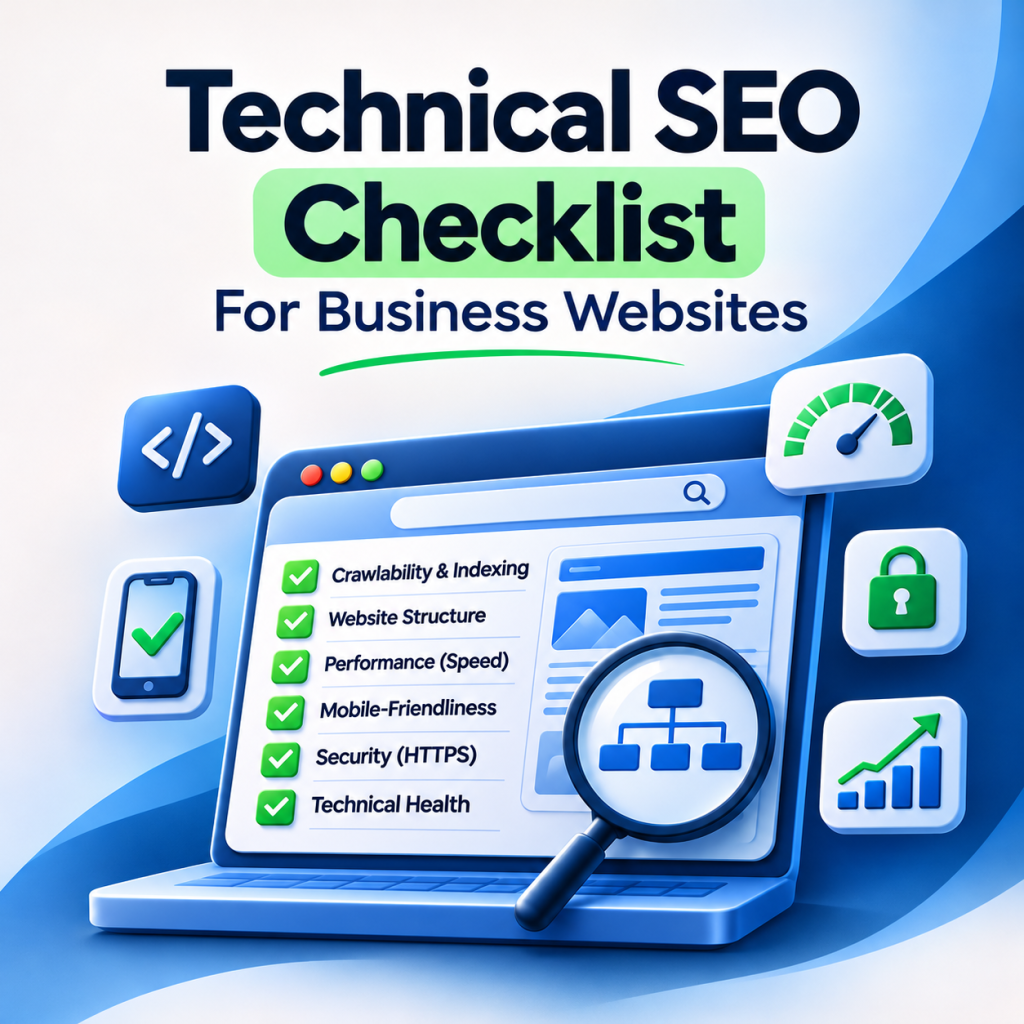
overall performance. We recommend you start by looking at our technical SEO checklist. You can also take a look
at GateTouch’s on-page
SEO services for hands-on help.
1. Search Intent & Keyword Targeting
Start by understanding why the page exists. Search for the main keyword and check what is ranking. Are the pages
guides, products, comparison or tools? Your page should match this format and intent so you aren’t trying to
compete with the wrong pages.
- Ensure each page has one main topic. Choose a main keyword and a few related keywords and questions.
- Avoid cannibalisation. Having two pages trying to target the same query will cause
competition. Ensure you combine them or make sure they are different. - Ensure your content uses natural language. Try to include related keywords and questions in the headings and
content. There isn’t an ideal keyword density.
2. Title Tag
The title tag is the main heading displayed on search results. Although Google may rewrite the title if it
doesn’t seem helpful, the text in the title element will still be used for rankings.
- Ensure your title is unique and descriptive.
- Include your main keyword naturally and ideally at the beginning.
- Keep it short. Usually, 50–60 characters can be seen in full. However, this will depend on how many pixels
the text takes up. - Avoid keyword stuffing, repeating phrases and generic titles like ‘Home’.
- Include your brand at the end if possible.
3. Meta Description
Sometimes Google will use the meta description for the snippet, however sometimes it will create it from the
page. Having a clear meta description will help users decide whether they want to click.
- Write a unique meta description.
- Include your main keyword naturally and a reason to click.
- Keep it short. Aim for around 150–160 characters. The snippet may be shortened.
- Don’t include a load of keywords.
4. URL Structure
Keep your URLs short, easy to read and lowercase. Separate words with hyphens.
- Include your main topic in the URL. For example,
/on-page-seo-checklist/. - Avoid including dates, IDs or extra parameters in the slug.
- Avoid changing the URL once live. If you have to, ensure you add a 301 redirect.
5. Headings
Headings help users and search engines to understand the content. Include one clear H1 heading stating the topic
(usually the post title in WordPress). Then use H2 headings for the main sections and H3 headings for sub
points. Ensure your headings are in a logical order and don’t choose headings based on the font size.
- Include your main keyword in the H1 naturally.
- Use H2 and H3 headings for related keywords and questions.
- Ensure your headings make sense when read.
6. Content Quality & E-E-A-T
Google aims to show users the most helpful, reliable and human-centred content. This is where E-E-A-T comes in.
E-E-A-T stands for experience, expertise, authoritativeness and trustworthiness. It’s a framework used by
Google’s quality raters. Although it isn’t something you can directly set, it is a useful way to think about
your content.
- Provide a clear answer. Ensure you have a clear answer at the top of the page.
- Include original and specific content. Include examples, screenshots, stats or insights
that the competition won’t have. - Add your author name and short bio. If the page changes over time, include the date it was
last updated. - Include reliable sources for any stats or technical information.
- Keep paragraphs short and simple. Use bullet points and tables where possible.
- Ensure you fully cover the topic and provide answers to any follow-up questions.
7. Images & Alt Text
- Write descriptive alt text that relates to the image. Don’t stuff keywords.
- Ensure your filenames are descriptive. For example,
on-page-seo-checklist-example.webp. - Ensure your images are compressed and using the latest formats such as WebP or AVIF.
- Include width and height.
- Don’t lazy load the main image.
8. Internal/External Links
Internal linking helps users navigate your site and helps search engines discover pages and how they relate.
Including descriptive anchor text will help. For example ‘website testing services’ provides much more
information than ‘click here’.
- Include 3–5 internal links to relevant pages. Ensure they help the user.
- Ensure the new page is linked from relevant pages.
- Ensure all the links are working and pointing to the final URL.
- Link to authoritative sources to back up facts. If opening in a new tab, include
rel="noopener".
9. Structured Data
Structured data provides search engines with additional information. This is usually done using JSON-LD and schema.org types. Blog content will often have the Article and
BreadcrumbList schema. Business and service pages may have the Organization or LocalBusiness schema.
Only include structured data for visible content on the page. You can test it using Google’s Rich Results Test.
Whilst it can help you gain rich results, it is not guaranteed. Google has also restricted FAQ rich results to
certain types of sites.
10. Page Speed, Mobile & UX
Google mainly crawls the mobile version of your pages. Ensure all your pages look good on mobile. Core Web Vitals
measure real-world performance. Your page will be given a good rating if the Largest Contentful Paint is 2.5
seconds or less, Interaction to Next Paint is 200ms or less and Cumulative Layout Shift is 0.1 or less. These
are based on the 75th percentile of visits.
- Ensure your text can be read without zooming and buttons are easy to click.
- Avoid using annoying pop-ups which block the main content.
- Use PageSpeed Insights to check your page. Check your Core Web Vitals in Search Console.
On-Page SEO Pre-Publish Checklist
- Page matches the search intent and format of what is ranking
- One main keyword, with no other page targeting the same query
- Unique and descriptive title tag with the main keyword
- Unique meta description summarising the page
- Short, easy-to-read URL
- One H1 and logical H2/H3 headings
- Clear answer at the top, with original and helpful content
- Author, date and sources included where relevant
- Images compressed, with descriptive alt text and dimensions included
- 3–5 internal links to relevant pages, and links to the page from relevant pages
- Structured data included and tested
- Mobile-friendly and Core Web Vitals checked
- Page is indexable and included in your XML sitemap
Common On-Page SEO Mistakes
- Using the same title and meta description on multiple pages.
- Keyword stuffing in the title, headings and alt text.
- Thin content.
- Having multiple pages targeting the same query.
- New pages without any internal links.
- Headings selected based on appearance.
- Never updating the page.
On-Page SEO Tools
- Google Search Console: See queries, clicks, index status and Core Web Vitals.
- Yoast SEO/Rank Math: Check title, description and readability within WordPress.
- PageSpeed Insights: See speed and UX.
- Rich Results Test: Validate structured data.
- Crawler tool: Find duplicate titles, missing alt text, broken links and orphaned pages. For
example Screaming Frog or Sitebulb.
Frequently Asked Questions
What is included in an on-page SEO checklist?
Search intent & keyword targeting, title tag, meta description, URL, headings, content quality, images
& alt text, internal/external links, structured data and page speed/mobile-friendliness.
How does on-page SEO differ to technical SEO?
On-page SEO focuses on optimising each page. Technical SEO focuses on crawling, rendering and indexing of
your entire site. This includes robots.txt, sitemaps, canonicals and site speed.
How long should my title tag and meta description be?
There’s no official length. As a guideline, keeping them around 50–60 characters (title) and 150–160 (meta
description) will usually look good. However, Google will adjust based on how many pixels the text takes up.
They may also rewrite these.
Does keyword density matter?
No. There is no ideal percentage to hit. Just include your main keyword where it makes sense.
How often should I update my on-page SEO?
We’d recommend reviewing your important pages every few months, and also if your rankings, CTR or topic
change. Search Console will show you which pages are losing impressions or clicks.
Will on-page SEO alone get me to rank?
No. Rankings will also depend on technical health, quality of competition and signals from other sites.
However, on-page SEO is the most controllable aspect.
Final Thoughts
On-page SEO ensures your pages are clear and easy to understand for search engines and users. By completing this
checklist before publishing, you’ll know where to improve. Regularly review your most important pages to ensure
they are up to date. Use Search Console to see where you can improve.
Want your pages reviewed by an expert? Take a look at GateTouch’s on-page SEO
services or our search
engine optimisation services. Or get in touch with the
GateTouch team.