
Learn how to improve your business profile, build customer trust and connect local searches with meaningful enquiries — without risky ranking shortcuts.
Quick answer
Google Business Profile optimization means making your free Google listing accurate, complete, verified and actively managed, so the right local customers can find you and trust you. Google says local results are based mainly on relevance, distance and prominence, and that you cannot pay for a better local ranking. The profile works best when it is backed by a website that supports it.
01 / GUIDE
What is Google Business Profile optimization?
A Google Business Profile is the listing that can appear in Google Search and Google Maps when people look for a business or place near them. Optimization is the ongoing work of keeping that listing accurate, complete and useful: your business details, services, photos, customer reviews and the way you respond to them.
It is not a one-time setup. Google’s own guidance tells businesses to keep their information up to date as the business changes. Opening hours, phone numbers and services all drift over time, and an inaccurate listing costs you trust the moment a customer arrives at a closed door.
02 / GUIDE
How does Google decide which local businesses to show?
According to Google’s local ranking guidance, local results are based primarily on three factors:
01
02
03
Google also states that your position in web results is a factor, so general SEO practices apply. You cannot change distance, but you can influence relevance and prominence. That is where optimization effort pays off.
03 / GUIDE
Common problems that hold a profile back
- The profile was never verified, or nobody in the business knows who owns the login.
- The business name includes extra keywords or taglines that do not match the real-world name.
- Hours, phone numbers or services are outdated.
- Few reviews, and no replies to the ones that exist.
- The profile links to a website that loads slowly, is hard to use on a phone, or does not answer the questions a visitor from Google would have.
- Details on the profile, the website and other directories do not match.
04 / GUIDE
A practical Google Business Profile optimization process
- Claim and verify the profile. Verification tells Google you are authorised to represent the business. Google notes that you must verify before you can update details such as your business name, and that content added to unverified profiles may be rejected.
- Use your real business name. Google’s guidelines for representing your business say the name should reflect your real-world name as used on your signage, website and stationery. Unnecessary information in the name can lead to suspension.
- Get the address or service area right. If customers visit you, show your address. If you travel to customers and have no storefront, you can set a service area instead, and Google advises hiding the address in that case. Service areas should generally not extend much beyond about two hours of driving time from where you are based.
- Choose the most accurate category and complete the details. Add hours, phone number, website, services and any attributes that apply. Complete, accurate information is what Google says makes a listing more likely to appear for relevant searches.
- Write a clear business description. Describe what you do and who you serve. Google’s guidelines say the description should not focus on promotions, prices or sales and should not contain links.
- Add real photos. Use images of your actual premises, team or work so customers know what to expect. Avoid generic stock images.
- Build a steady flow of genuine reviews and reply to them. More on this below.
- Review performance and update regularly. Google provides Performance data inside the profile. Check it periodically and fix anything that has changed in the business.
05 / GUIDE
How to handle reviews the right way
Reviews influence both ranking and customer confidence, so many businesses are tempted to shortcut them. Do not. Google’s review guidance says offering incentives such as discounts or free goods in exchange for a review, a changed review or the removal of a negative review is prohibited. Its content policy also rules out selectively asking only happy customers for reviews.
What works within the rules:
- Ask customers for honest feedback after a completed job or purchase, using the review link or QR code available in your profile.
- Reply to reviews when you have something useful to say. Google notes that you do not need to thank every reviewer publicly, but prompt, calm replies to negative reviews show you take feedback seriously.
- Flag reviews that clearly break Google’s policies instead of arguing with them.
Google states that repeated fake engagement can lead to restrictions on a profile, including a public alert, so a shortcut can do lasting damage.
06 / GUIDE
Your website still matters
A profile does not replace a website. Google lists web results position as one factor in local ranking, and the profile’s website link is where most serious enquiries are completed. If a customer taps through from the map and lands on a slow page, a confusing layout or a contact form that is hard to find, the profile has done its job and the website has lost the enquiry.
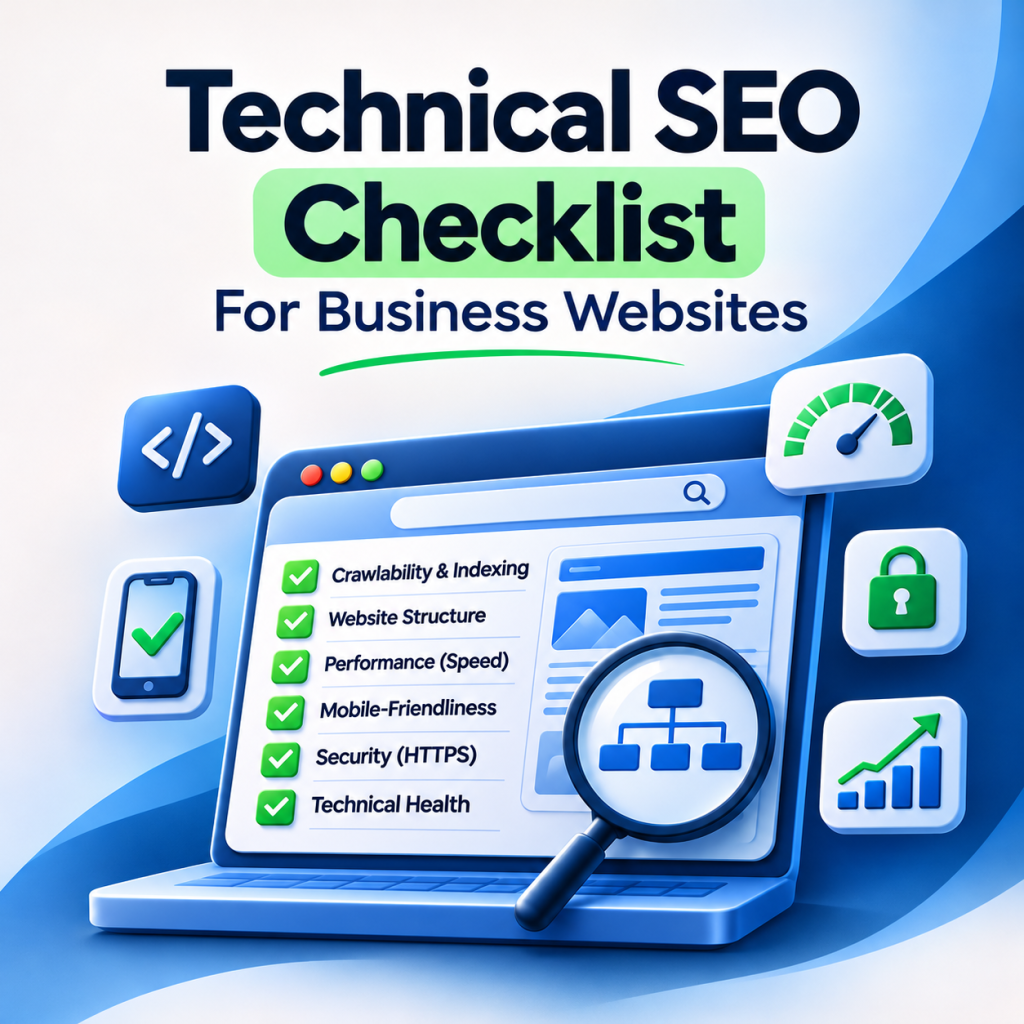
Check the basics on the pages your profile points to: the page loads quickly on mobile, the services you list on Google are described on the page, your address and phone number match the profile, and the enquiry route is obvious. Our guides on the technical SEO checklist for business websites and the on-page SEO checklist cover those foundations in detail.
If you suspect your website is the weak link behind your local visibility, you can talk to our team about search engine optimization or a website development project.
07 / GUIDE
Benefits and limits to be realistic about
Benefits: a well-managed profile can make your business easier to find, give customers quick access to your details, and build trust through reviews and accurate information. It costs nothing to maintain apart from your time.
Limits: nobody can guarantee a position in local results. Google says it keeps ranking details confidential and that you cannot request or pay for a better ranking. Outcomes depend on your competition, your location, your reviews and how well your website supports the profile. Treat any provider who promises a guaranteed top spot with caution.
08 / GUIDE
Should you do it yourself or get professional help?
Handle it internally when: you have a single location, your details rarely change, and someone on your team can spend a little time each week on reviews and updates.
Consider professional help when:
- You have several locations or service areas to keep consistent.
- Your profile was suspended, duplicated or has ownership problems.
- Your profile is solid but your website is not converting visitors into enquiries.
- You want local work coordinated with wider SEO, such as on-page SEO and off-page SEO.
09 / GUIDE
How to choose the right provider
Before you hire anyone to manage your listing, ask:
- Will the profile stay under my ownership and login, with you added as a manager?
- How do you collect reviews, and do you follow Google’s policy on incentives and fake engagement?
- What exactly will you update, and how often will you report?
- How will you coordinate the profile with my website and other listings?
- What happens to the profile if we stop working together?
Good answers are specific and honest about what cannot be controlled. Vague promises about rankings are a warning sign.
10 / GUIDE
Common mistakes to avoid
- Stuffing keywords into the business name. It breaks Google’s guidelines and risks suspension.
- Buying or swapping reviews. Google treats this as fake engagement.
- Listing a virtual office or an address you do not staff. Google says service-area businesses cannot list a virtual office unless it is staffed during business hours.
- Leaving information to age. Wrong hours cost trust quickly.
- Ignoring the website. The profile earns the click; the website earns the enquiry.
11 / GUIDE
Frequently asked questions
What is Google Business Profile optimization?
It is the process of making your Google listing accurate, complete, verified and actively managed so that it can appear for relevant local searches and give customers reliable information.
Can I pay Google to rank my business higher in local results?
No. Google states there is no way to request or pay for a better local ranking.
What factors affect local ranking on Google?
Google says local results are based primarily on relevance, distance and prominence. Review count, review score and your website’s presence in web results feed into prominence.
Is it okay to offer a discount for a Google review?
No. Google prohibits offering incentives such as discounts or free goods in exchange for reviews. You may ask customers for honest reviews without incentives.
Can a business without a shop have a Google Business Profile?
Yes. A business that travels to customers can use one service-area profile, and Google advises hiding the address if you are a service-area business.
12 / GUIDE
Next step
Start with a quick audit: confirm the profile is verified, check that your name, address, hours and services are correct, and test the page your profile links to on a phone. If you find gaps in your website or your wider search visibility, the GateTouch team can help you review them. Contact GateTouch to discuss your website and SEO needs. Results will depend on your market and how the work is implemented, and we will be upfront about what can and cannot be influenced.